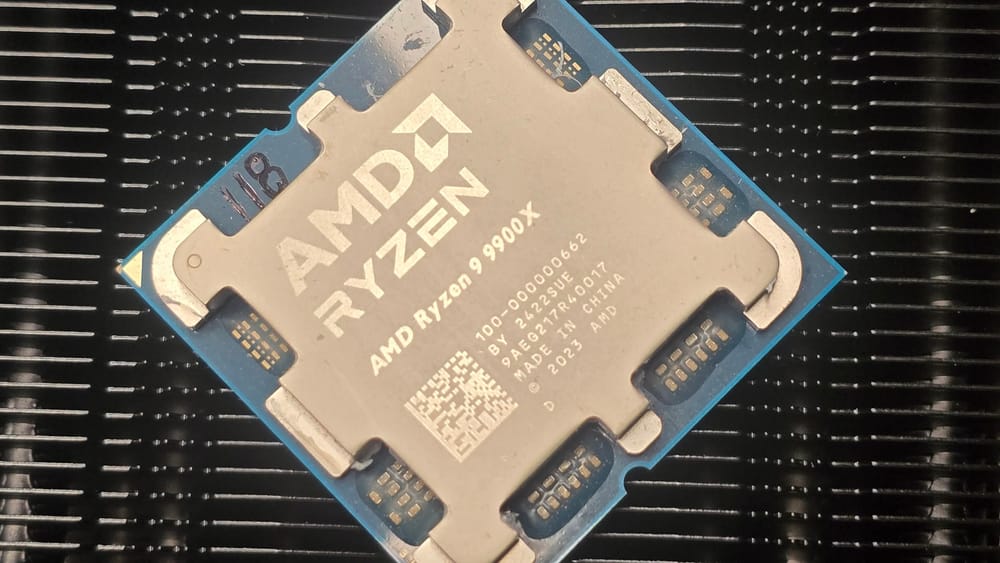
Testing and benchmarking PC hardware is such an incredibly useful skill to have. Not only does it mean you can easily compare your own machine to others or comprehend whether that upgrade’s actually worth it, but it also allows you to tinker with overclocking and undervolting and gives you a real good feel for how your silicon behaves under certain conditions.
Over time processors and SSDs degrade, performance becomes worse, thermal paste cracks, and cooling solutions fail, so being able to inherently identify a problem before it’s a problem can be an incredibly useful skill, saving you time and money in the process.
Fortunately in 2025, benchmarking is actually a fairly easy pursuit to commit some time to. There are so many tools out there and ways of measuring performance that it’s become incredibly accessible.
From my point of view, this is only a good thing. Once upon a time benchmarking was a labor-intensive process that required hours upon hours of effort and all manner of monitoring and reporting tools, strict benchmark runs, and more, yet today, this accessibility has dramatically reduced the amount of time required to do it and also removed the difficulty curve too. You can, of course, increase the difficulty and take advantage of things like Nvidia’s Frameview or custom in-game runs, as many brands often do, but in my opinion, that’s not entirely necessary.
The key thing you need to understand about benchmarking is that these aren’t absolute hard truths. There are so many variables involved, from test setups to ambient temperature to the silicon lottery, that you can run two identical systems and still get different results each and every time. Instead, the value lies in comparison. What a benchmark does is give you a reference point that you can then look back on, and understanding that is vital when it comes to understanding hardware. Either through side-by-side competitive comparisons or generation-to-generation improvements.
So with all that said, and because we’re nothing if not transparent at PCB, I’m going to run you through our entire process for benchmarking. If you’re curious about how we’re testing and what presets and settings we’re using, or if you just want to dive in, and compare your own machines, below you’ll find guides on how we test each and every product we get in for testing.
The CPU Guide
The Graphics Card Guide
The SSD Guide
The link has been copied!